Built around the student's working
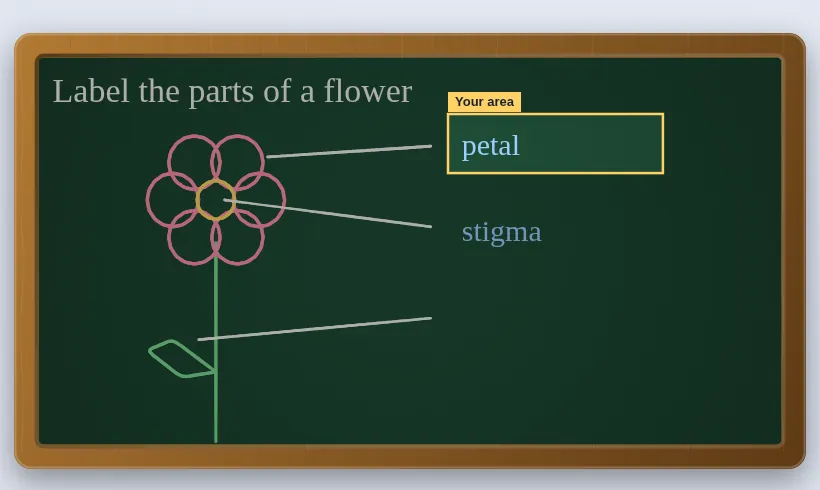
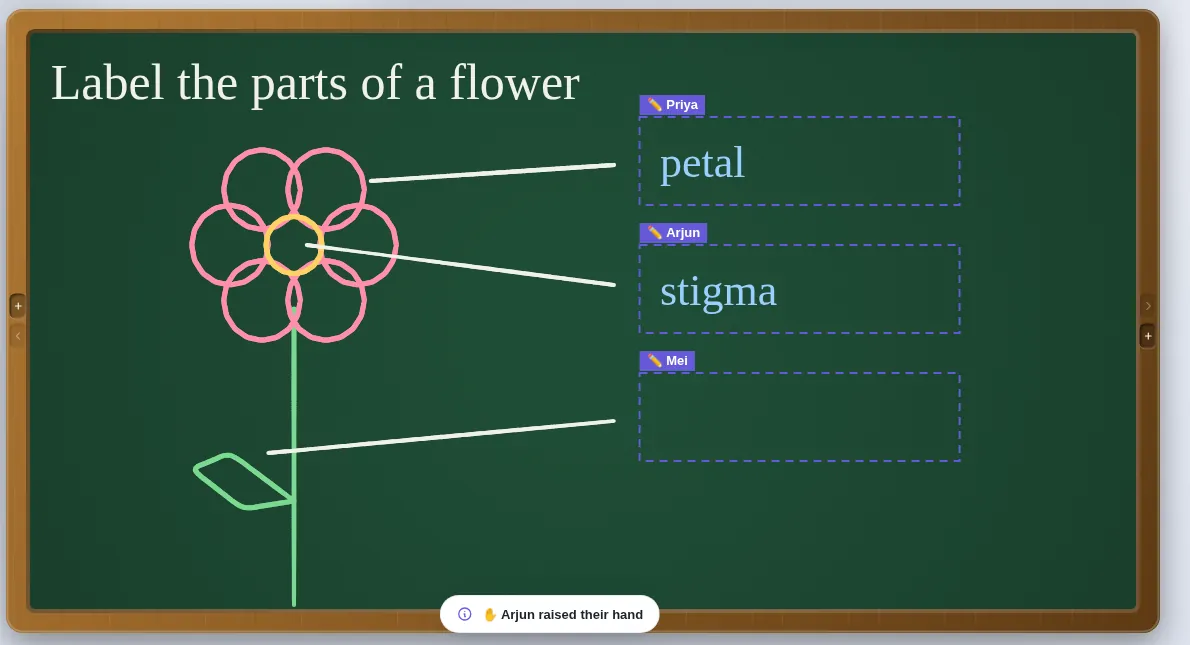
- Writing boxes. Give a student a box — or one per question — and they write there and nowhere else. Your board is safe.
- Spot question. Draw a box round a question and each student gets it on a card with a pen, colours and an eraser. They press Hand in; you see every card in a gallery.
- Mark it. Write on their work in red, add ✓ ✗ or ★, and give a reward sticker.
- Keep it. Save a PDF with a cover page and a page per student, with their working, marks and comments.
After the session
- Press play and the lesson redraws itself, beat by beat. Record your voice over it with Narrate the lesson.
- Export the replay as a video sized for YouTube, or a GIF to drop into a message.
- Save the whole lesson as a
.slatefile to pick up next time.
Run a tutoring session
- Call your student on Meet, Zoom, Teams or a phone, as you usually do.
- Open Slate, press Collab and start a session with your access code.
- Send the invite link. Your student types their name and you admit them.
- Give them a writing box, or send a spot question, and watch their working arrive.
Questions teachers ask
Can I tutor one student?
Yes — one student or a group of up to 60.
Is the student's work stored online?
No. The session travels between your browsers (or through a relay that keeps nothing), and what you keep is saved on your own device.
Do I need an account?
No. Open Slate in a browser and start drawing — there is no sign-up and nothing to install. Your work stays on your device and saves as a .slate file. Students joining a live session type only their name and the room code. To host a live session you use an access code; if you do not have one yet, ask through the suggestions page.
Also on Slate
Google MeetUse Slate as your whiteboard in Google Meet: present the tab, or run a live session so…Record lessonsRecord a whiteboard lesson with your voice: Slate captures your ink and narration…Jamboard alternativeJamboard closed at the end of 2024. Slate is a free teaching whiteboard: sticky notes,…The guideEvery feature, a chapter at a time