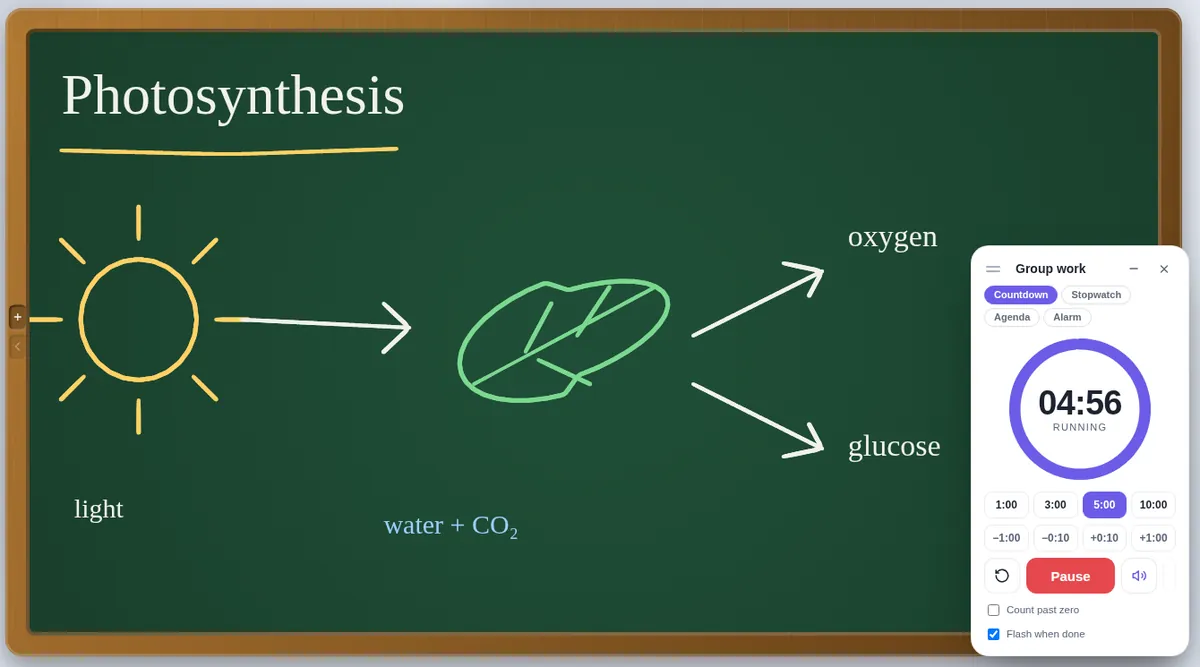
The classroom timer
- Countdown, Stopwatch with laps, Agenda (Starter 5, Main 25, Plenary 10…) and Alarm to ring at a time on the clock.
- Name it, nudge it while it runs, count past zero, flash instead of chiming, or play gentle 432 Hz music while it runs.
- In a live session it travels with the room: every student sees the same second.
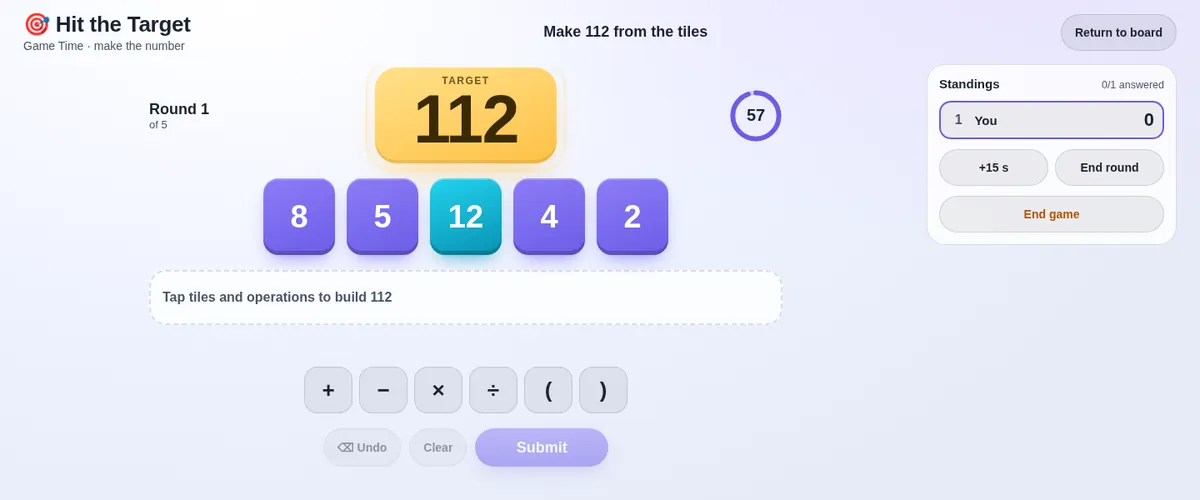
Games and activities
- Hit the Target — a mental-maths game for the whole class: make the target number from the tiles. Clever answers score more, and a leaderboard follows every round.
- Dots and Boxes for 2–6 players, on one screen or across the session.
- Random pick — a colourful spinning wheel of names on every screen.
- Break time — a calm screen with a countdown that keeps students’ boards still until it ends.
- Quizzes, polls and awards — with fireworks for the winners.
Where to find them
- Open Slate.
- Tools → Classroom timer for the timer, or Tools → Game Time for the games.
- In a live session, Collab → Break & activities has the games, the random pick and the break screen.
Questions teachers ask
Can I use the timer without a live session?
Yes. The timer, the games and the random pick all work on a single screen or projector.
Is Hit the Target only for maths lessons?
It is a mental-maths warm-up or brain break; the rest of Slate is for teaching any subject.
Do I need an account?
No. Open Slate in a browser and start drawing — there is no sign-up and nothing to install. Your work stays on your device and saves as a .slate file. Students joining a live session type only their name and the room code. To host a live session you use an access code; if you do not have one yet, ask through the suggestions page.
Also on Slate
Online chalkboardA free online chalkboard: green board, blackboard or whiteboard in a wooden frame, with…Google MeetUse Slate as your whiteboard in Google Meet: present the tab, or run a live session so…Jamboard alternativeJamboard closed at the end of 2024. Slate is a free teaching whiteboard: sticky notes,…The guideEvery feature, a chapter at a time