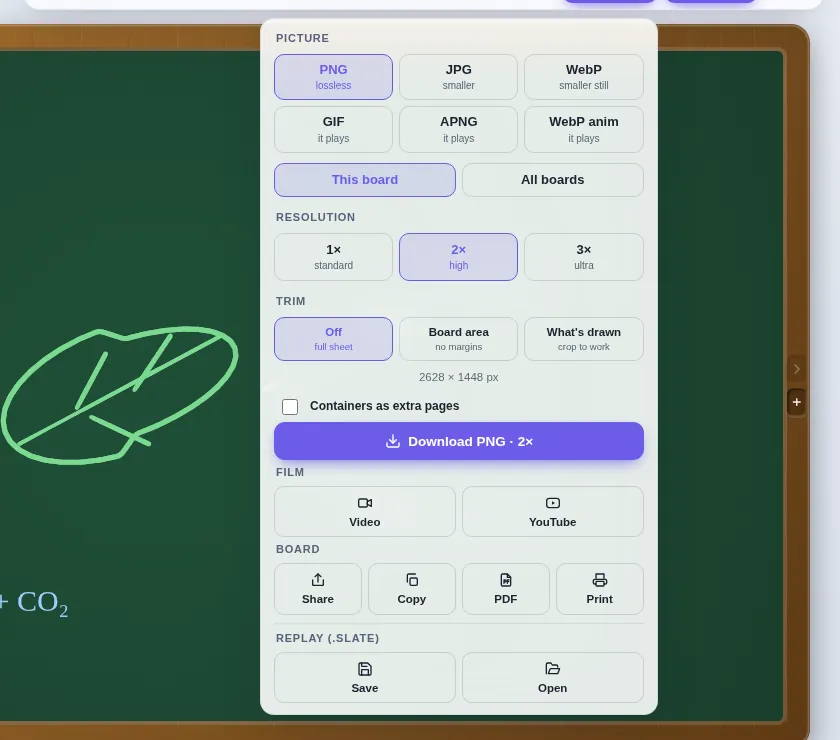
How recording works
- Choose Presentation → Narrate the lesson. Slate asks for the microphone, goes full screen and starts recording.
- Talk and draw. Hold when you need to think — drawing freezes and the silence is cut from the lesson — then carry on.
- Move between boards as you go. The narration belongs to the whole lesson, and the replay follows you from board to board.
- A mistake and its correction replay in order, just as you made them.
Replay and share
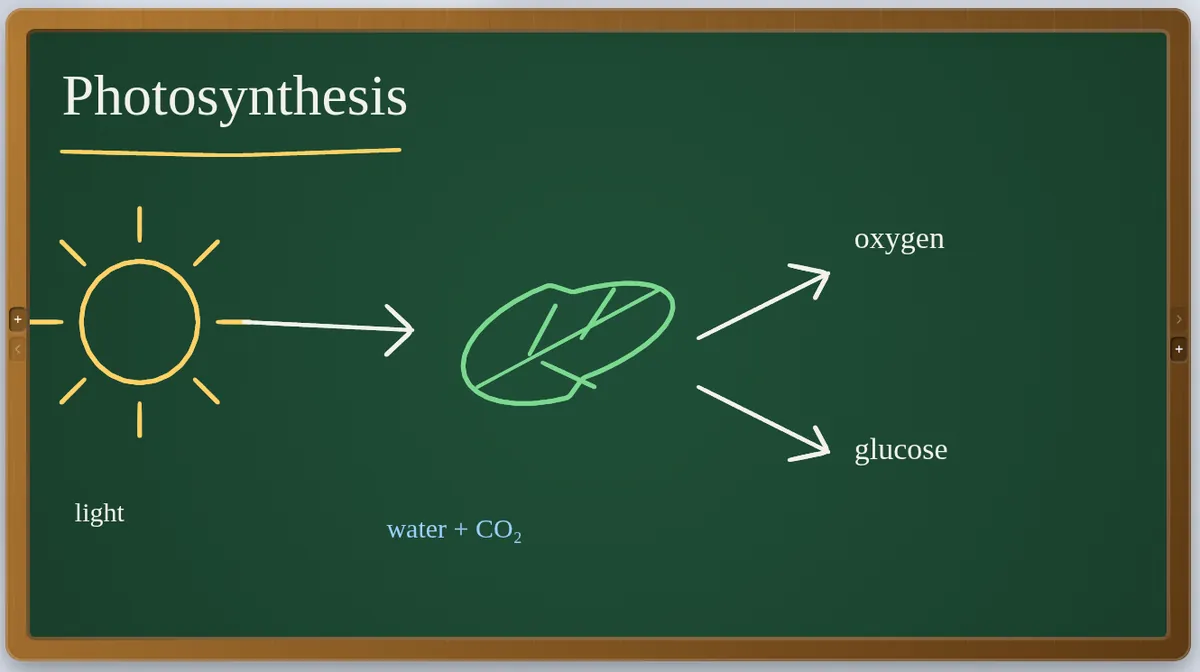
- Press play and the board redraws itself in beats — the natural steps of your explanation. Change the speed, add captions, or replay just one part of the board.
- Spotlight and Theatre give the replay a stage; Play all runs the whole deck.
- Export a video of the board drawing itself, with your narration — or the same film sized for YouTube.
- Or export a GIF, APNG or animated WebP, or save the
.slatefile so it can be replayed and edited later.
Make your first recorded lesson
- Open Slate and set out your boards.
- Choose Presentation → Narrate the lesson and allow the microphone.
- Teach. Press Finish when you are done.
- Open Export and choose Video or YouTube.
Questions teachers ask
Do I need screen-recording software?
No. Slate records the board and your voice itself, and makes the video from what you drew — crisp at any size, with no desktop in the corner.
Is my recording uploaded anywhere?
No. Recordings stay on your device until you choose to export or share them.
Do I need an account?
No. Open Slate in a browser and start drawing — there is no sign-up and nothing to install. Your work stays on your device and saves as a .slate file. Students joining a live session type only their name and the room code. To host a live session you use an access code; if you do not have one yet, ask through the suggestions page.
Also on Slate
Online chalkboardA free online chalkboard: green board, blackboard or whiteboard in a wooden frame, with…Online tutoringA free online whiteboard for tutoring: students write in their own box, hand in their…Timer & gamesA free classroom timer with agenda and alarm modes, a random name wheel, break screen and…The guideEvery feature, a chapter at a time