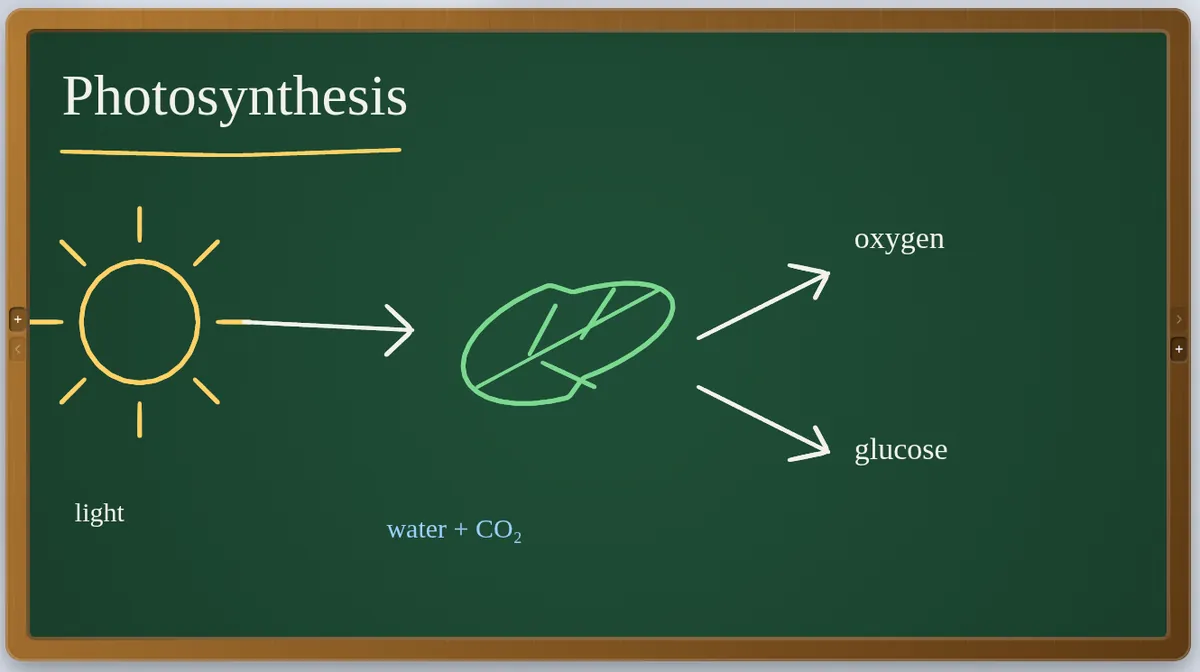
A board that looks like the front of the room
- Green board, blackboard, whiteboard or any colour, with ruled lines, a grid, graph paper, a coordinate plane or a music staff underneath.
- Wooden or coloured frames, textures and a watermark, so a projected board looks the part.
- Light and dark, plus fifteen skins for the panels around the board.
- Board furniture: a pen tray, duster, chalk, ruler, magnets and world clocks, resting on the frame.
More than chalk
- Sticky notes, shapes, text, tables, charts, mind maps, equations and diagrams — each can be broken back into ordinary marks you can edit.
- Paste a photo and clean it up in the Image lab, or put a YouTube, Vimeo or video file on the board and play it there.
- Fading ink for working you only need for a moment: it clears itself a few seconds after you finish.
- A curtain to hide part of the board until you want it seen, a spotlight and a laser pointer.
Yours to keep
- Everything stays on your device. Save a lesson as one
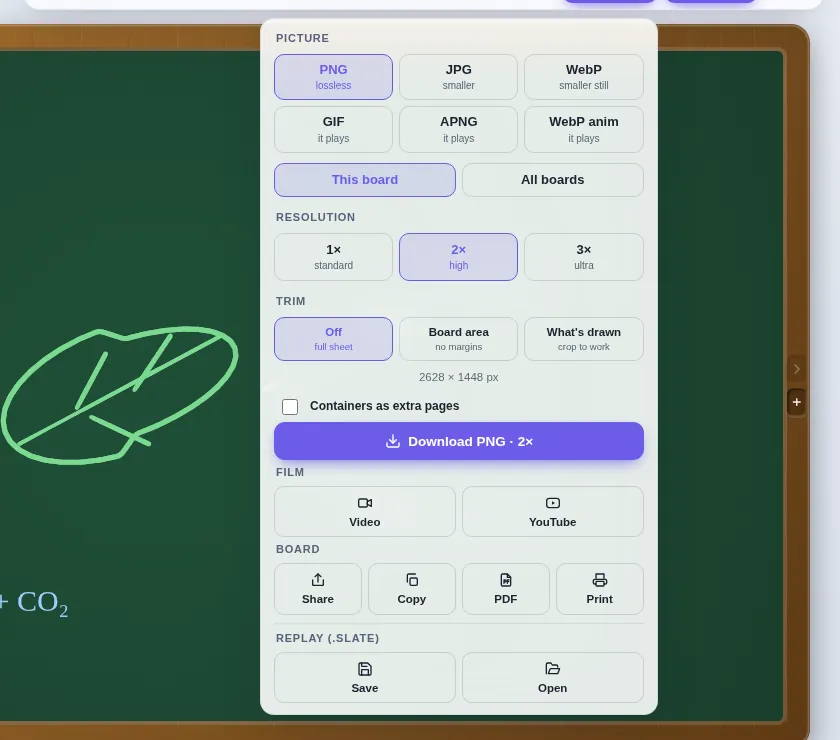
.slatefile and reopen it anywhere. - Export a picture (PNG, JPG, WebP), an animation (GIF, APNG, animated WebP), a video of the board drawing itself, or a PDF of every board.
- Install it like an app and it runs without a connection.
Questions teachers ask
Is the online chalkboard free?
Yes — free, with no account, no adverts and no tracking.
Can I use it on an interactive whiteboard or projector?
Yes. Slate runs full screen in the browser and works with touch, pen and mouse, so it suits a projector, a touchscreen panel or a tablet.
Does it work offline?
Yes. Once Slate has loaded, it keeps working without a connection, and you can install it to your device.
Do I need an account?
No. Open Slate in a browser and start drawing — there is no sign-up and nothing to install. Your work stays on your device and saves as a .slate file. Students joining a live session type only their name and the room code. To host a live session you use an access code; if you do not have one yet, ask through the suggestions page.
Also on Slate
Jamboard alternativeJamboard closed at the end of 2024. Slate is a free teaching whiteboard: sticky notes,…Record lessonsRecord a whiteboard lesson with your voice: Slate captures your ink and narration…Timer & gamesA free classroom timer with agenda and alarm modes, a random name wheel, break screen and…The guideEvery feature, a chapter at a time